Your song is ready. The content around it isn't.
One release.Every visual it needs.
Turn your cover and track into Spotify Canvas loops, social video, cover art, and campaign images — all in Artlink AI Studio.
- Create in
- 4 modes
- Start from
- Templates
- Export for
- 3 ratios
A real 14-second AI Studio workflow
What does this release need next?
Pick an output. Artlink sets up the right canvas, controls, and starting points for it.
Made for Spotify
A clean Canvas loop—without an editing timeline.
Turn your artwork into a silent 3–8 second Canvas, ready for Spotify for Artists.
- Continuous
- Rebound
- Hard cut
 Loop-ready Canvas9:16 · 3–8 SEC
Your cover becomes the campaign.
Expand a square release into vertical space, then animate it — without cropping the original artwork.
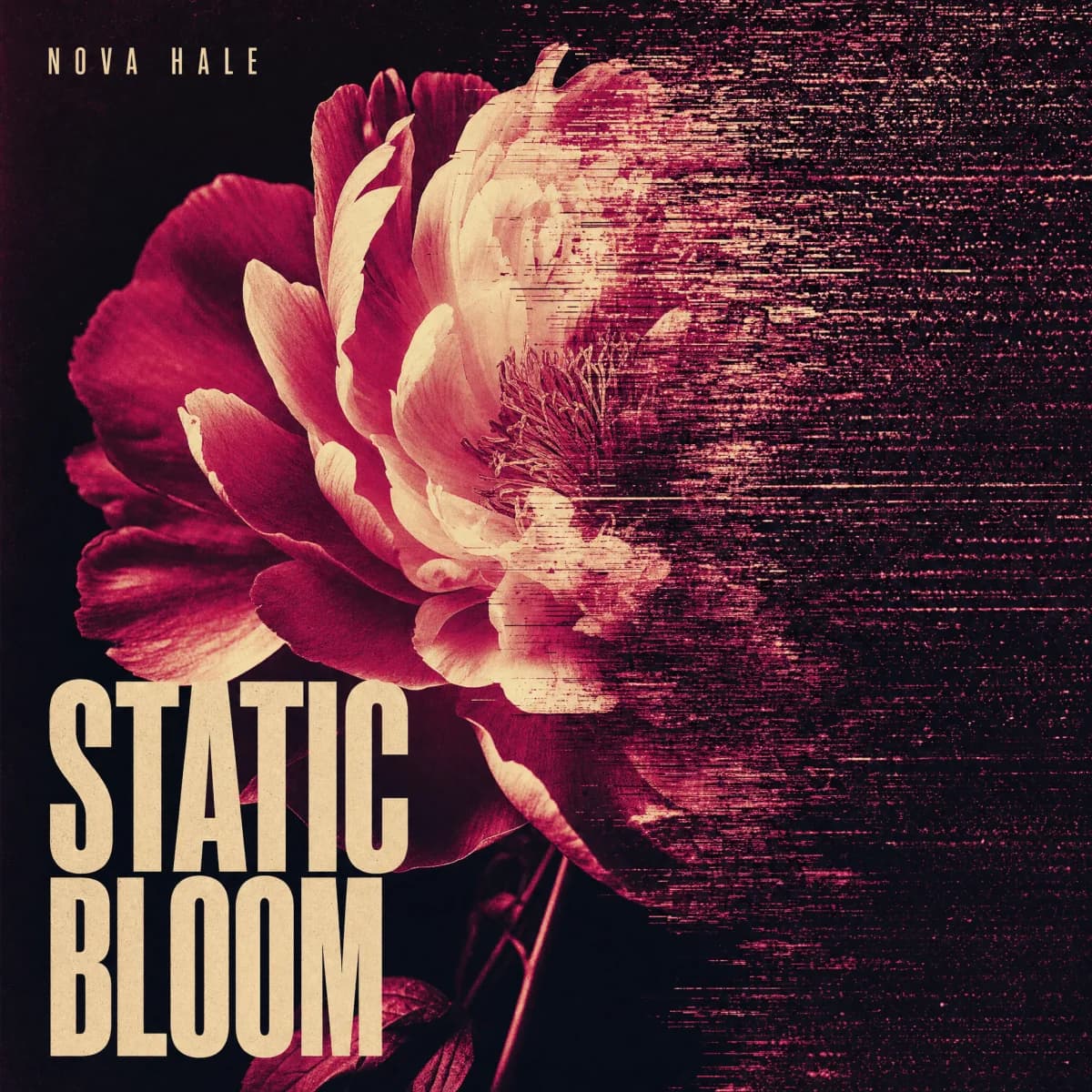
01 Start with your cover
The original artwork stays intact.
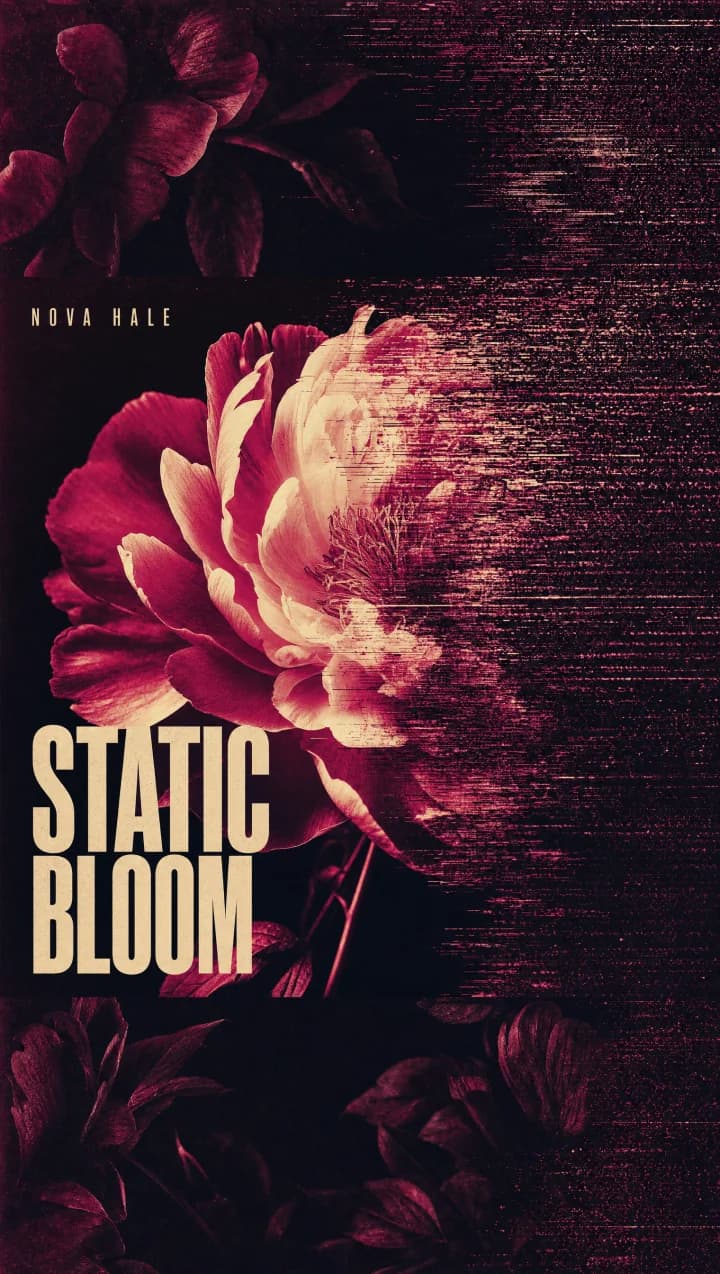
02 Expand for vertical
AI builds the missing 9:16 scene.
Generated motion from the expanded Static Bloom artwork. 03Bring it to life
Generate motion for Reels, Shorts, or Canvas.
Start with a template. Make it yours.
Pick a direction, add your release, and change anything before Generate.
Spotify Canvas template preview Loop
Spotify Canvas
Cover Comes Alive template preview Cover to video
Cover Comes Alive
Beat Visualizer template preview Music-aware
Beat Visualizer
Lyric Canvas template preview Lyrics
Lyric Canvas
Cinematic Teaser template preview Social video
Cinematic Teaser
Seamless Loop template preview Loop
Seamless Loop
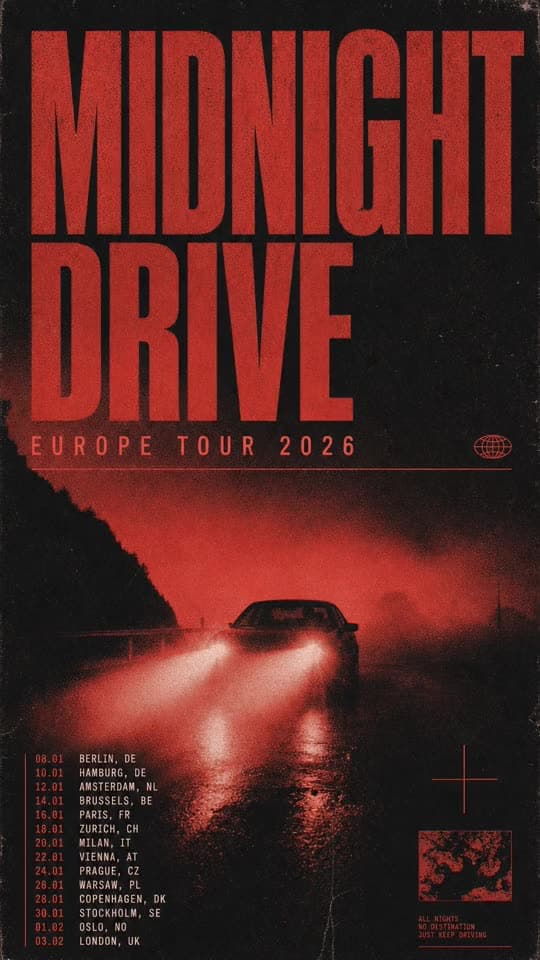
Image
Tour Poster
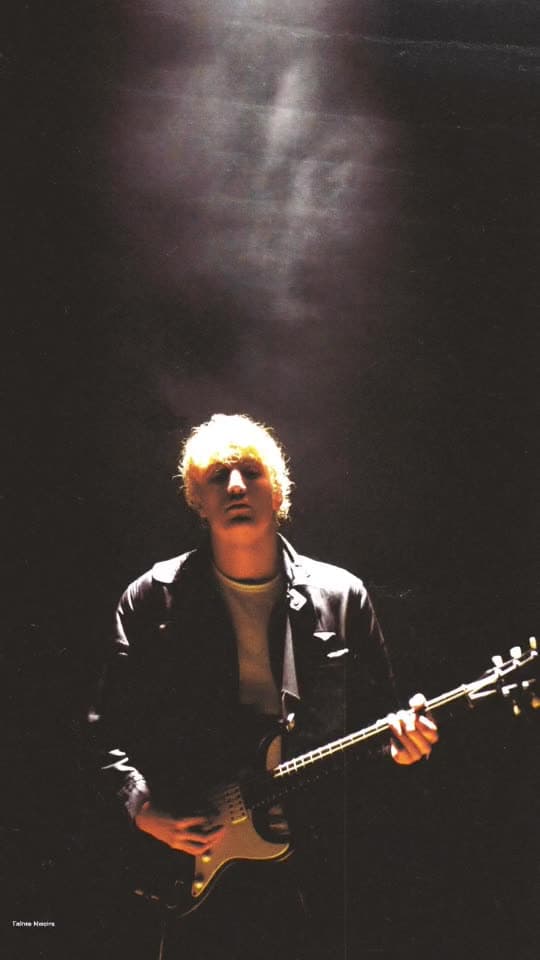
Image
Press Shot
Create it. Launch it. Learn what works.
AI Studio connects to the pre-save, smart link, bio page, ad pixels, and analytics already carrying your release.
- 01
Create
AI Studio
- 02
Build demand
Pre-save
- 03
Route fans
Smart Link
- 04
Keep it together
Bio Page
- 05
Learn
Pixels + Analytics
Open Studio from a release page and its artwork and details arrive with you.
Explore all Artlink toolsMake it for your release
Guides and tools for each thing AI Studio makes, from Canvas loops to cover art.
One credit pool. Every creative mode.
Included with every paid Artlink plan. Choose any model or template and see the exact cost before you generate.
See plans & credits- Solo Star
- 40credits/mo
- Rising Star
- 60credits/mo
- Supernova
- 100credits/mo